Welcome to Developify - How To Guide
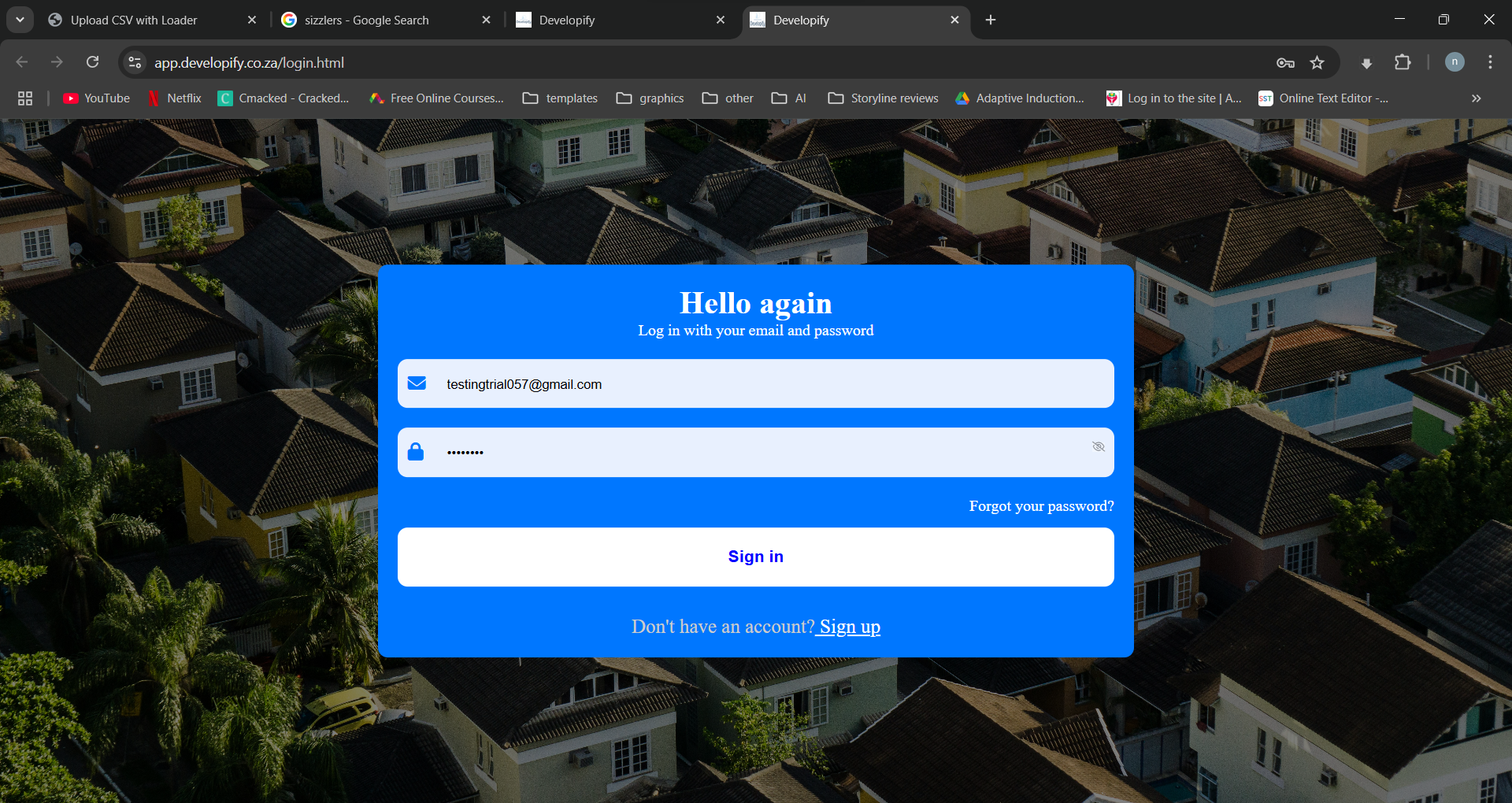
Log in
Here are steps you should follow to login.
- go to devlopify.co.za
- click log in
- Enter the email and password you used when you registered and click sign up
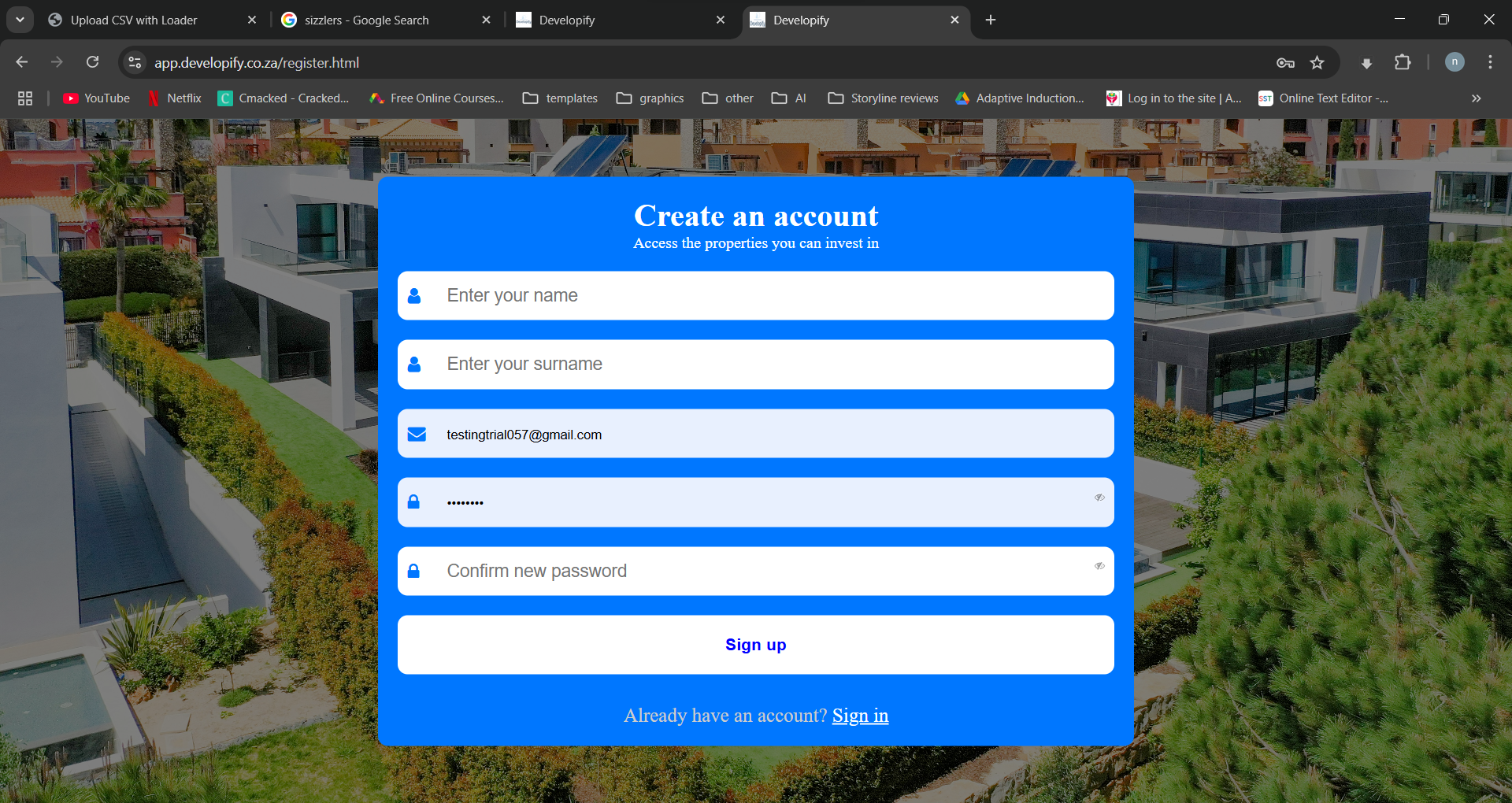
Register new account
Here are steps you should follow to register a new account.
- Go to devlopify.co.za
- Click Log in button
- under "Don’t have an account? Sign up", Click sign up and fill in the form, wait for a verification email before you log in
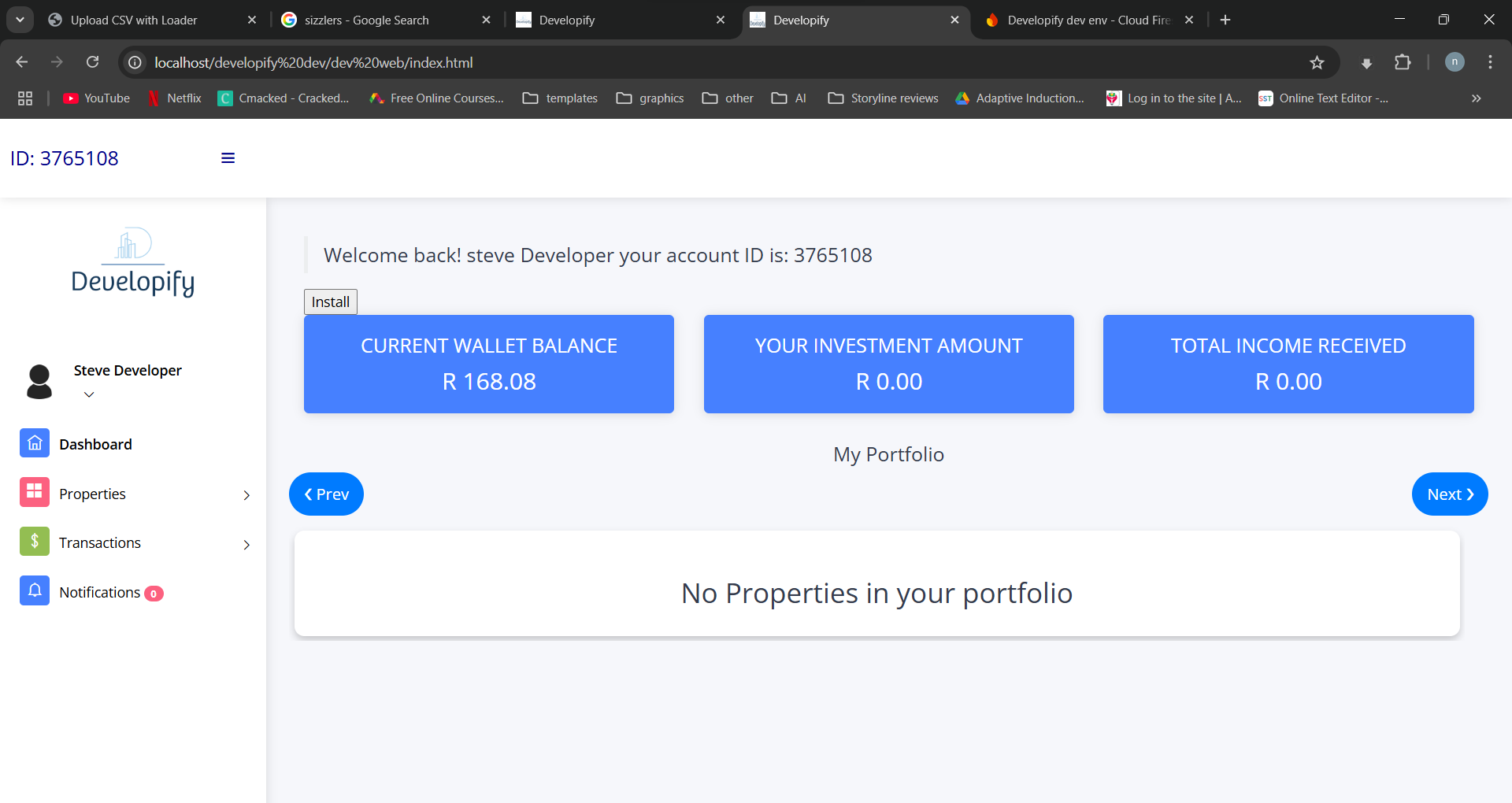
Dashboard
The dashboard is the landing/home page after you log in and it contains a summary of your account. Here is what you will find under the dashboard:
- Current wallet balance = This is the amount you can use to invest or withdraw.
- Total investment Amount = This is the amount you invested.
- Total income received = This is the interest you earned.
- My portfolio = The list of properties you invested in.
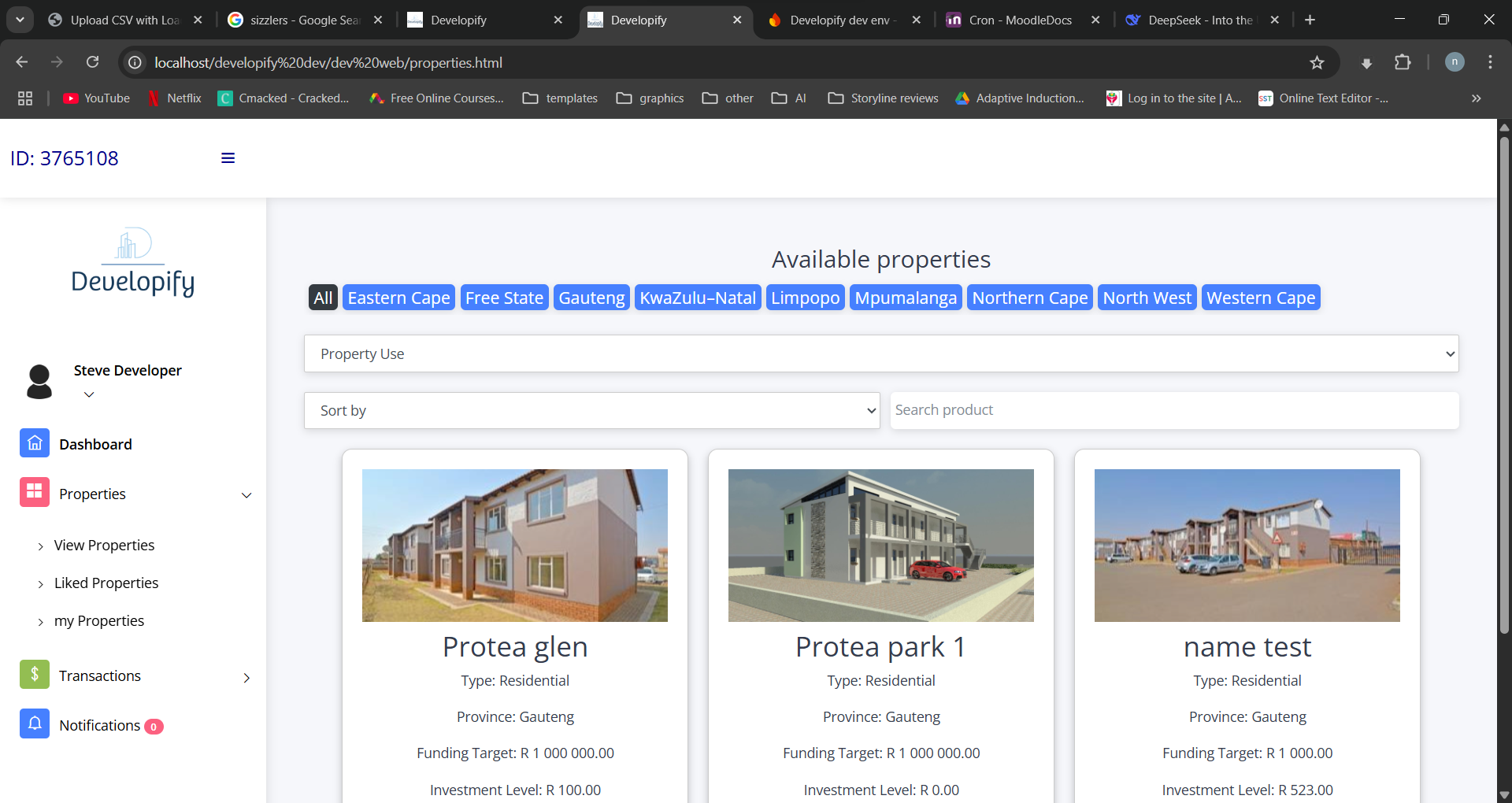
View Properties
To view available properties,
- Click the menu icon(If not already open)
- Click on the Properties, then click on View Properties to browse open properties to be funded
- The red button with a heart save the property in the wishlist.
- the green button with an eye, show more details about the property
Investing in a property
To view available properties,
- Click the menu icon(If not already open)
- Click on the Properties, then click on View Properties to browse open properties to be funded
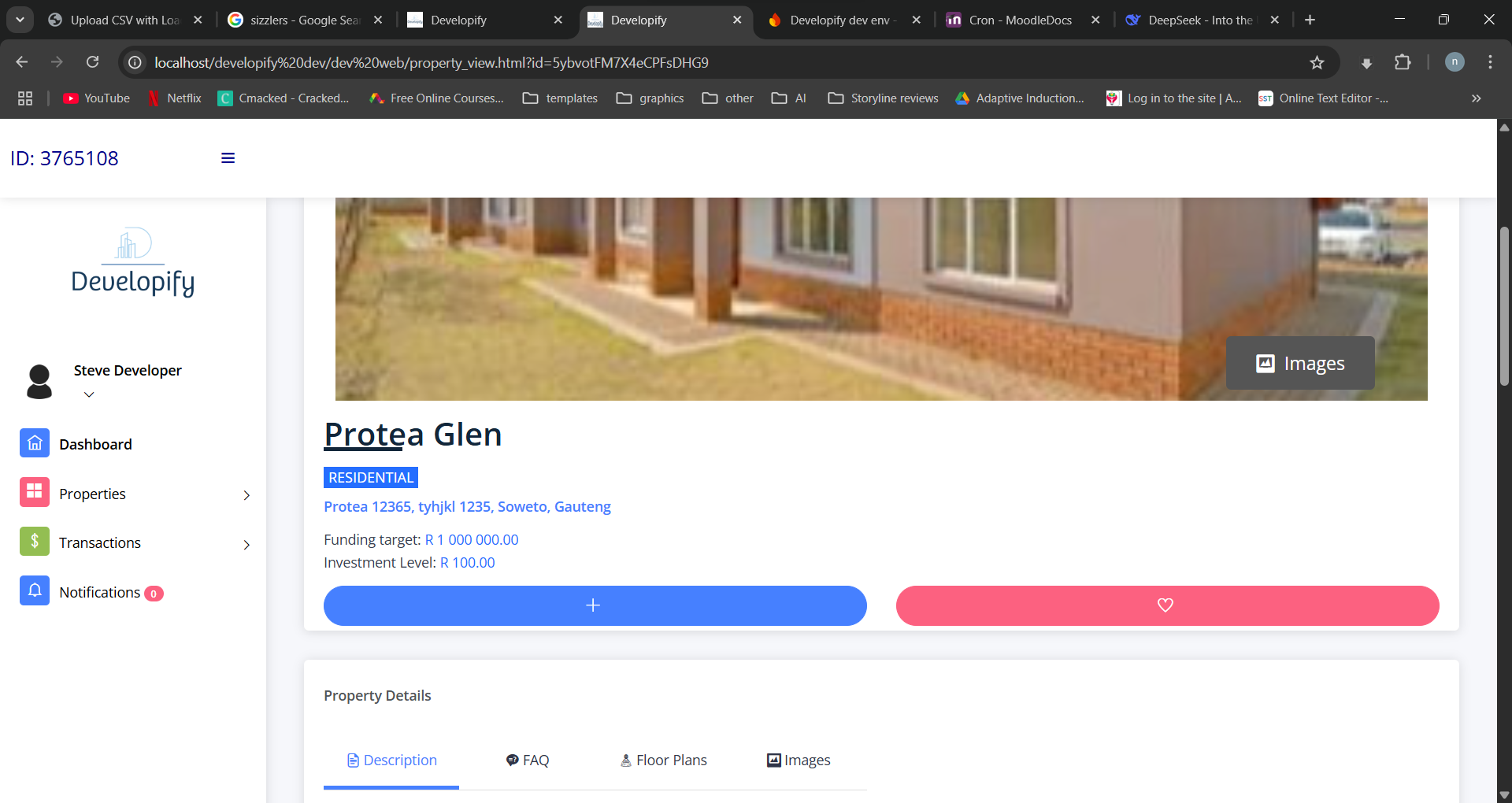
- Click the green button with an eye to show more details about the property
- Click the blue button with the plus(+) sign.
- On the next page, enter the amount to be invested and click Invest button